|
|
|
|
|
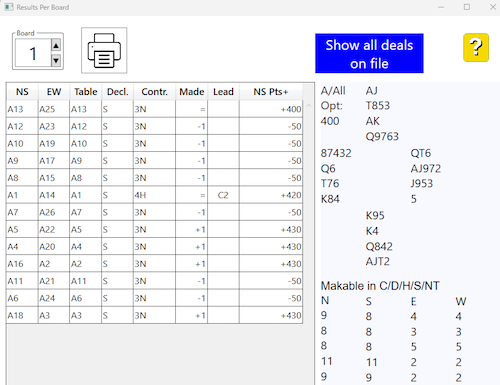
You can change results via the TD menu on the tablets (hold the ? button pressed until the hidden TD menu appears. Alternatively you can change results by double clicking a result in the View results dialog (see below) or in the grid in the main interface, see a separate page. Double-clicking a row in the view results table will bring up the following dialog: You will be alarmed if your entry is not recognized as a result. SHOW BIDDING You can:
|
|
|
|