|
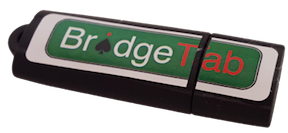
You should keep your licences on a BridgeTab dongle that you can buy from the Bridge Shop if you do not want to lock your licence to a particular PC.
PURCHASE LICENCE FOR DONGLE
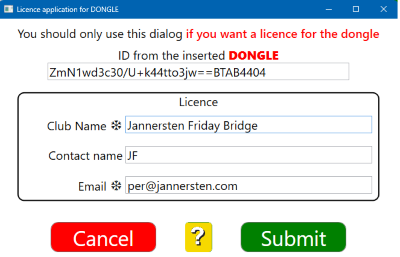
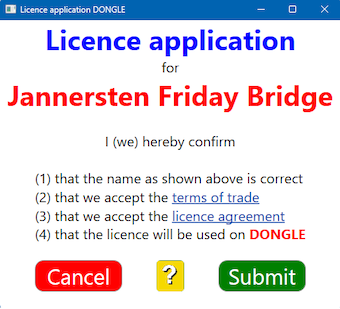
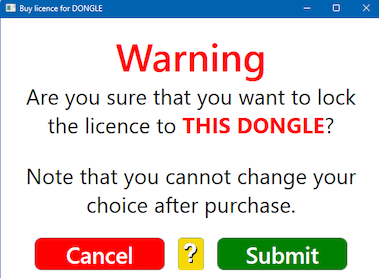
Insert the BridgeTab dongle into a vacant USB port on any PC that is online. In the control program you can select the Buy licence option and follow the same procedure as when you purchase for the computer, but check that it says DONGLE in the messages that appear,
You can alternatively follow the Buy for another PC procedure. Note that you will need to copy that Dongle’s ID (containing “BTAB”, see the example to the right).
Combining PC and dongle licences
Note that the licences on a dongle can be used together with stationary PC licences. If you, for example, insert a dongle with licences for 30 tables into a PC having a licence for 15 tables, you can run a game with up to 45 BridgeTabs.
DONGLE FULL
The dongle can hold up to 4 licences. see a separate page if the dongle would be full.
ACTIVATE
You should use the Activate licence option if you followed the example shown to the right and Load licence if you used the Buy for another option.

|