|
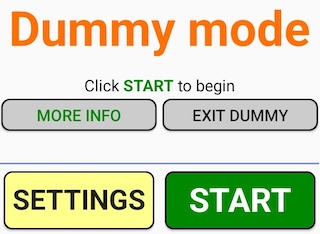
Dummy mode makes it possible to try BridgeTab without any computer.
After installation of the BridgeTab app you will be asked if you permit that the app checks the location. That is not needed for the Dummy mode but strongly recommended at regular use.
BRIDGETAB SETTINGS
On the Settings screen you do not only find an on/off button for Dummy mode but also some other useful settings. It can for example be necessary to adjust the font size to fit your hardware.
INSTRUCTIONS & HELP
Click the ? button in the upper right corner of any screen and you will get an explanation of that screen. At the bottom of all Help pages you find list and search options.
DUMMY SETTINGS
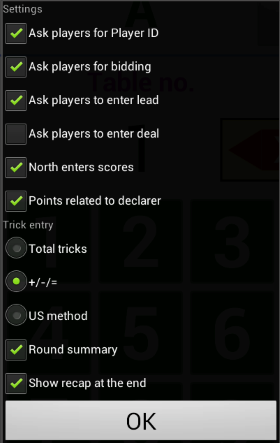
At real tournaments the game settings come to all tables from the control software running on a central computer. In Dummy mode you can instead set some of these settings in the dialog shown to the right.
Note that you have to exit dummy mode and then reenter it if you want to change settings.
END
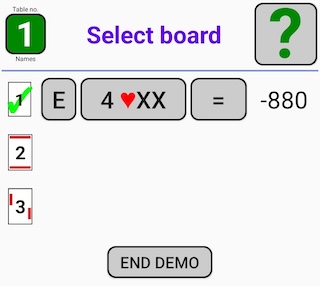
You can end the demo game on the Select board screen by clicking the End demo button (see illustration to the right).
Resume
The Resume button will bring you back to where you were before you ended the demo session.
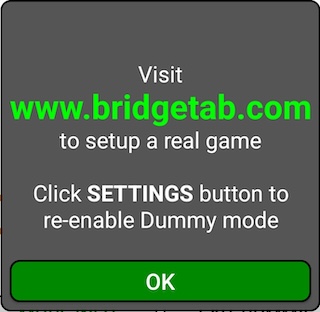
EXIT DUMMY MODE
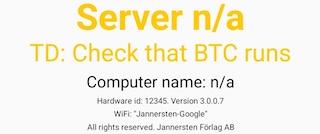
The START/RESUME button will disappear when you exit Dummy mode because there is no connection with the control software that needs to run on the computer.
The recommendation is that you install the computer software (that is free of charge) and run a desktop test before you setup your first real game.
Re-enter Dummy mode
To use the Dummy mode anew, you will have to click the SETTINGS button.

|