|
THE SCHEDULE
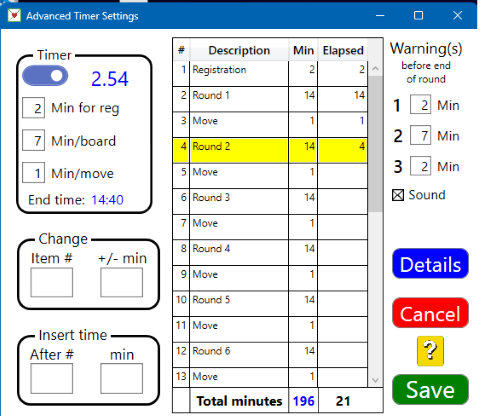
The table to the right shows the progress of the game. In the example the total play time is 196 minutes of which 24 minutes has passed since start; i.e. it ir 2hr 54 min left and the estimated end time is 14:40..
WARNINGS
There are up to three warnings before the end of the round. Each warning has its own sound. Un-ticking Sound will mute the warnings and also the end of round signal.
DEFAULT TIMER SETTINGS
The recommendation is that you set the basic settings, i.e. time for registration, playtime per board, time between rounds and warnings in the Default dialog that you open from the Default Game settings.
TIMER
The Timer box contains the same settings as you find in the Game Settings, plus the estimated end time of the game.
Switch
ON = the timing is shown at the tables. Timing is suppressed on the BridgeTabs when the switch is OFF.
Timer settings
The time for registration (2 in the example) is the extra time added to the first round. In the example 16 minutes will pass before the second round is called.
Min/board
In the example 7 minutes is allowed per board.
Min/move
This is an extra time allowance between rounds. In the example the rounds (except the first) will take 15 minutes.
CHANGE
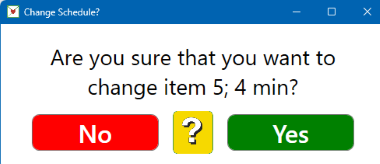
You can use this box if you for some reason need to change the play time for one round, or need to add extra move time between two rounds.
INSERT TIME
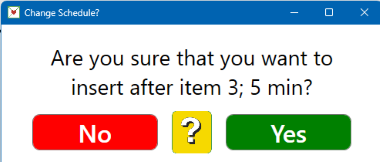
You can use this box if you want to insert an intermission (pause) for some reason. An alternative is to use the STOP button in the Game Settings, which will halt the timing. If you instead insert time, the timer will count down during the intermission.

|